
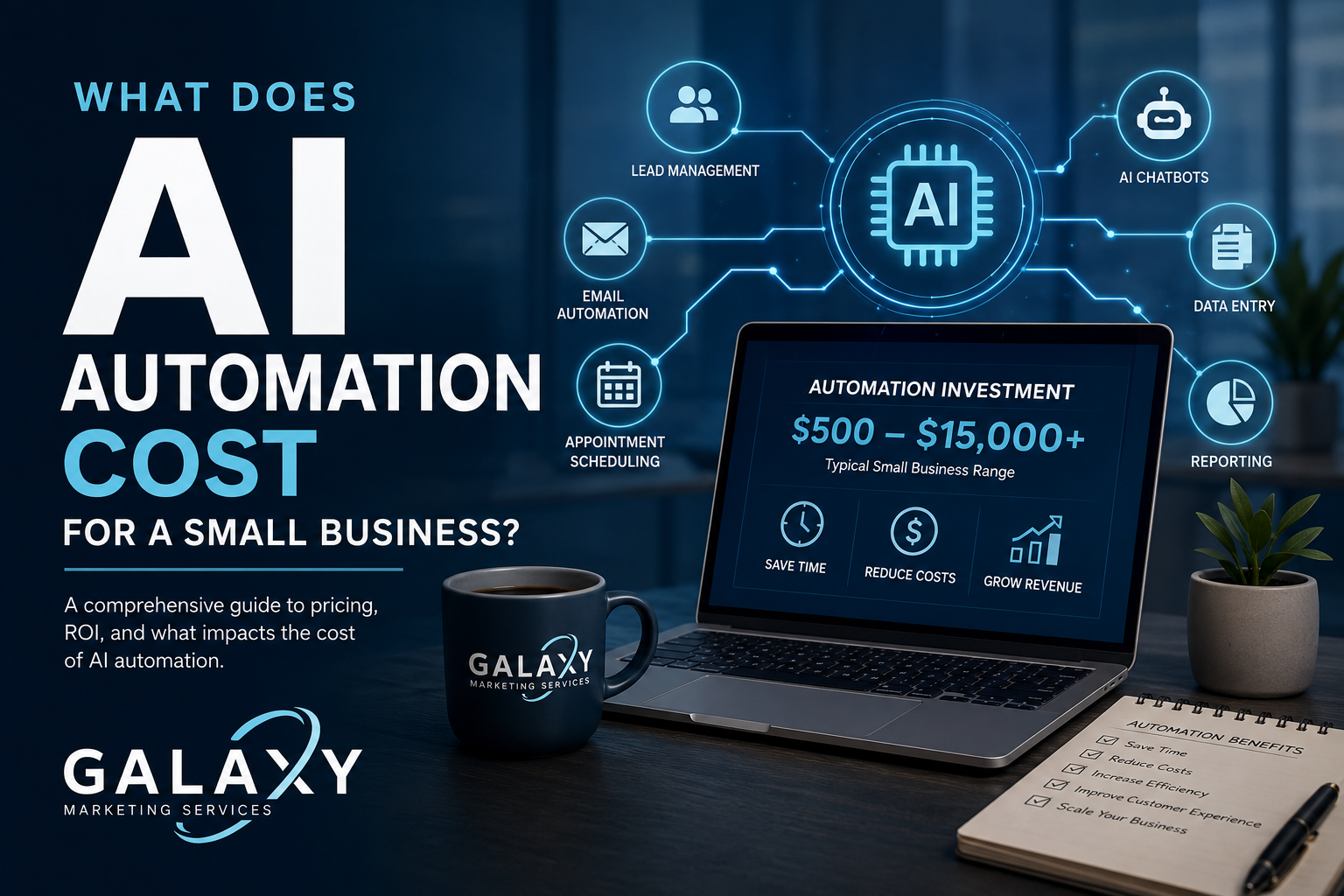
Small Business AI Automation Guide
What Does AI Automation Cost for a Small Business?
AI automation can cost a small business anywhere from a few hundred dollars for a simple workflow to thousands of dollars for a custom system connecting AI, CRM software, lead management, reporting, APIs, and business processes.
The important question is not simply “How much does AI cost?” It is whether the automation saves enough time, creates enough capacity, improves enough customer interactions, or generates enough revenue to justify the investment.
This guide explains the real costs behind AI automation for small businesses, including software, implementation, integrations, maintenance, AI model usage, workflow design, and ongoing optimization.
AI AUTOMATION COST SNAPSHOT
Simple Workflow Automation
$500–$1,500+
Multi-Step Business Automation
$1,500–$5,000+
Advanced AI & Integration System
$5,000–$15,000+
These are general planning ranges rather than fixed industry pricing. Complexity, integrations, data requirements, security, testing, and workflow volume can materially change project cost.
Small Businesses Are Moving Quickly Toward AI
AI automation is moving from experimentation into everyday business operations. The question for many businesses is no longer whether AI will be used, but where it produces enough value to justify implementation.
58%
of U.S. small businesses reported using generative AI in the U.S. Chamber’s 2025 small-business technology study.
40%
reported using generative AI in 2024, showing how quickly adoption has accelerated.
23%
reported using generative AI in 2023, less than half of the reported 2025 adoption level.
Source: U.S. Chamber of Commerce, 2025 Empowering Small Business report.

What Determines the Cost of AI Automation?
AI automation pricing depends less on the words “artificial intelligence” and more on the business process being automated. A simple form-to-CRM workflow is fundamentally different from an AI system that evaluates leads, researches companies, creates content, updates multiple databases, and routes opportunities to salespeople.
Workflow Complexity
A workflow with one trigger and two actions is inexpensive compared with a system containing branching logic, AI decisions, approval stages, retries, error handling, multiple applications, and human review.
Number of Integrations
Connecting a form to a spreadsheet may be straightforward. Connecting HubSpot, a website, an AI model, Gmail, Notion, accounting software, a call-tracking system, and an internal database requires considerably more planning and testing.
Data Quality & Structure
Automation works best when business data is organized. Duplicate CRM contacts, inconsistent service names, incomplete records, undocumented processes, or fragmented spreadsheets can increase implementation time before automation even begins.
Custom AI Logic
Using AI to summarize text is relatively straightforward. Using AI to score a sales lead, classify intent, retrieve company data, follow business rules, decide the next action, and update a CRM safely requires much stronger system design.
Security & Permissions
Automations handling customer information, financial data, healthcare information, legal matters, authentication credentials, or sensitive internal records require additional safeguards, access controls, logging, and testing.
Testing & Reliability
A business-critical automation should account for missing information, API failures, invalid responses, duplicates, unexpected user behavior, downtime, and other edge cases. Reliability engineering can represent a meaningful part of project cost.
The Software Is Often the Least Expensive Part
The cost of an AI model or automation platform can be surprisingly low. The larger investment usually comes from designing the right system, connecting applications, handling data correctly, testing workflows, creating safeguards, and maintaining the automation after launch.
Automation Platform
Tools such as Make and Zapier can begin at relatively modest monthly subscription levels, then scale with workflow volume and advanced features.
AI Model Usage
Modern AI APIs are commonly billed by usage. For many small-business text workflows, model costs can remain modest until request volume or context size becomes substantial.
Implementation
Process mapping, system architecture, integrations, custom logic, testing, documentation, monitoring, and optimization usually create the largest portion of the initial investment.
As of August 2026, Make lists paid automation plans beginning around $12 per month at its entry paid tier, while Zapier lists Professional plans beginning around $19.99 per month. Actual software costs depend on task volume, credits, features, AI usage, and connected applications.
Typical AI Automation Cost by Project Type
Small-business automation projects generally fall into several levels of complexity. These ranges are useful for initial budgeting, but a workflow should be scoped around its actual requirements before making an investment decision.
Level 1: Simple Automation
Approx. $500–$1,500+
- Form submission routing
- Email notifications
- Spreadsheet automation
- Basic CRM updates
- Appointment confirmations
- Simple AI summaries
- Basic lead notifications
Level 2: Business Workflow
Approx. $1,500–$5,000+
- Multiple connected applications
- Conditional logic
- CRM workflows
- AI lead classification
- Automated follow-up
- Lead routing
- Reporting workflows
Level 3: Custom AI System
Approx. $5,000–$15,000+
- Custom AI agents
- API integrations
- Custom databases
- Complex CRM logic
- Lead intelligence
- Retrieval and knowledge systems
- Advanced monitoring
What Can a Small Business Actually Automate with AI?
The strongest AI automation opportunities are usually repetitive processes with clear inputs, predictable rules, measurable outputs, and enough volume to create meaningful savings.
Sales & Lead Management
AI can qualify inbound leads, enrich business information, categorize opportunities, assign salespeople, create CRM tasks, generate research summaries, draft follow-up messages, and surface high-priority prospects.
Customer Communication
Businesses can automate appointment reminders, FAQs, support triage, status notifications, lead nurturing, review requests, customer onboarding, and routine email communication.
Marketing
AI automation can assist with content workflows, social post preparation, keyword research, reporting, campaign alerts, ad-performance summaries, email segmentation, review responses, and recurring marketing tasks.
Operations & Administration
Teams can automate document organization, recurring reports, data entry, notifications, task creation, invoice workflows, project status updates, file routing, scheduling, and information synchronization between systems.
How to Determine Whether AI Automation Is Worth the Cost
Calculate the Current Cost of the Process
Start with the number of hours employees spend completing the task each month and multiply that by the approximate fully loaded labor cost.
Example:
20 hours per month × $35/hour = $700 per month in labor.
Estimate the Automation Savings
If automation reduces that process by 75%, the company could recover approximately 15 hours per month.
15 recovered hours × $35/hour = $525 in monthly labor capacity, or approximately $6,300 annually.
That calculation still does not include the value of faster lead response, fewer errors, additional customer capacity, improved reporting, more consistent follow-up, or revenue generated from opportunities that might otherwise have been missed.
The most useful automation projects frequently improve both efficiency and revenue opportunity. That is why Galaxy evaluates workflow value rather than recommending automation simply because a process can technically be automated.
How We Approach a Small Business AI Automation Project
1. Identify the Bottleneck
We identify repetitive work, slow handoffs, duplicate data entry, delayed customer communication, manual reporting, or processes consuming unnecessary employee time.
2. Map the Current Workflow
Before automating anything, we document the trigger, information required, decision points, systems involved, responsible people, exceptions, and desired outcome.
3. Design the Automation
We determine where traditional automation is appropriate, where AI adds value, what applications need to communicate, and where human approval should remain in the process.
4. Build & Integrate
The workflow is connected to the required CRM, website, email platform, database, AI model, API, productivity software, or other business systems.
5. Test Real Scenarios
We test successful scenarios as well as incomplete records, duplicate information, API failures, incorrect data, unexpected AI responses, and other edge cases.
6. Monitor & Improve
Automation should evolve as the business changes. We monitor workflows, update logic, review performance, and identify additional opportunities as processes mature.
Where AI Automation Creates Business Value
Faster Lead Response
Automatically route inquiries, create CRM records, notify sales representatives, enrich lead data, and begin follow-up without waiting for manual processing.
Reduced Administrative Work
Remove repetitive copying, updating, organizing, reporting, and notification tasks so employees can spend more time on work requiring judgment and customer interaction.
Better Operational Visibility
Automated reporting and connected systems can create a clearer view of leads, customer activity, marketing performance, projects, operations, and other important business information.
Common AI Automation Costs Businesses Forget to Budget For
Software Subscriptions
Your automation may depend on CRM software, automation platforms, databases, AI APIs, email tools, storage, analytics systems, call tracking, or other services with recurring fees.
Maintenance
APIs change. Applications update. Employees change processes. Fields get renamed. Workflows that matter to the business should be monitored rather than assumed to run forever without intervention.
Training
Employees need to understand what the system does, what information it requires, what happens when something fails, and when a human should override or review an automated decision.
Data Cleanup
A CRM filled with incomplete records, duplicate contacts, inconsistent naming, outdated statuses, and missing fields may need to be cleaned before reliable automation is possible.
Human Review
AI should not automatically make every business decision. High-risk, high-value, sensitive, or ambiguous situations may require an employee to review the AI output before an action is taken.
Scaling Costs
A workflow running 100 times per month has a different cost profile from one running 100,000 times. Task volume, database usage, model requests, API calls, storage, and monitoring requirements can all increase with scale.
AI Automation Services in Detroit & Beyond
Galaxy Marketing Services helps businesses evaluate and implement AI automation throughout Detroit, Royal Oak, Troy, Birmingham, Livonia, Novi, Southfield, Sterling Heights, Rochester Hills, Ann Arbor, Metro Detroit, and surrounding Michigan communities.
We also support regional and nationwide businesses that need AI workflows, CRM integrations, API development, lead automation, reporting systems, marketing automation, and customized business technology.
Because automation is not limited by geography, the most important consideration is understanding the business process, available technology, data, and measurable outcome the system needs to support.
AI Automation Cost Frequently Asked Questions
How much does AI automation cost for a small business?
Simple automations may cost several hundred to a few thousand dollars to implement, while multi-system AI workflows can cost several thousand dollars or more. The final cost depends on workflow complexity, integrations, data, AI usage, testing, security requirements, and ongoing support.
What is the cheapest way for a small business to start using AI automation?
Start with one repetitive, measurable workflow rather than trying to automate the entire business. Examples include form routing, lead notifications, CRM updates, appointment reminders, reporting, or simple AI-assisted email workflows.
Does AI automation require a monthly fee?
Usually. Most systems rely on one or more recurring services such as an automation platform, AI API, CRM, database, email platform, or hosting environment. Ongoing monitoring or support may also be appropriate for business-critical workflows.
Is custom AI automation expensive?
Custom automation costs more than basic no-code workflows because it may require API development, databases, authentication, specialized logic, advanced testing, monitoring, security, and custom user interfaces. The additional investment can make sense when the workflow affects enough revenue, labor, or operational capacity.
Can AI automation integrate with HubSpot or other CRMs?
Yes. AI workflows can integrate with CRMs such as HubSpot and other business platforms when the required API, native integration, webhook, or automation connection is available.
How do I know if an automation will save money?
Measure how much time the existing process consumes, the approximate labor cost, error rate, response delays, missed opportunities, and revenue impact. Compare those costs with the implementation and ongoing operating cost of the automation.
Should every business process be automated?
No. Processes that are low-volume, highly subjective, constantly changing, or require significant human judgment may not be good automation candidates. The goal should be to automate where technology creates measurable business value.
How long does it take to build an AI automation?
A simple automation may be implemented relatively quickly, while complex systems can require several weeks or longer for discovery, architecture, integration work, testing, documentation, user feedback, and refinement.
Find Out What AI Automation Could Save Your Business
The right automation should solve a measurable problem—not add another piece of software to your technology stack.
Galaxy Marketing Services can review your current workflows, identify repetitive or inefficient processes, evaluate your existing systems, and determine where AI, automation, CRM integrations, APIs, or custom technology may create meaningful business value.