
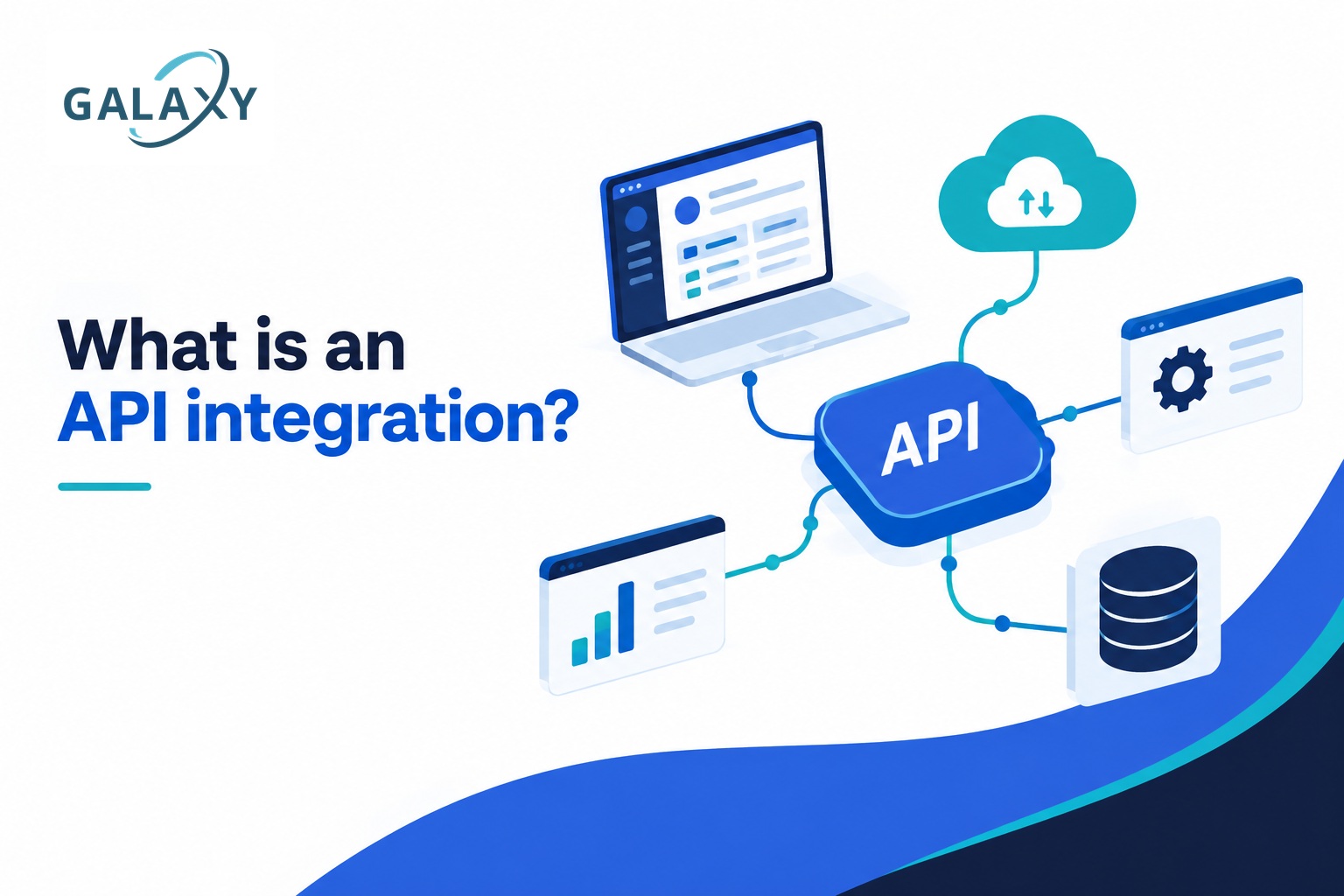
What Is an API Integration?
An API integration is a connection between two or more software applications that allows them to exchange data, trigger actions, and work together automatically. Instead of employees manually copying information from one system to another, an API integration lets the systems communicate directly.
For businesses, API integrations are one of the technologies behind connected CRMs, automated marketing workflows, online payments, reporting dashboards, ecommerce systems, scheduling platforms, artificial intelligence tools, and thousands of other digital processes.
You do not need to be a developer to understand why APIs matter. If your business uses several platforms that contain related information but do not communicate effectively, an API integration may be able to connect them and eliminate significant amounts of repetitive work.
In this guide, Galaxy Marketing Services explains what API integrations are, how they work, common examples, their business benefits, how they differ from other types of automation, and when a custom integration may make sense.
An API integration allows separate software systems to communicate with each other programmatically. One application can request information or send instructions through an API, another application processes that request, and the systems exchange structured data without requiring a person to manually move it.
What Is an API?
API stands for Application Programming Interface. An API is a defined way for one software application to communicate with another.
Think about the different applications a business might use: a website, CRM, email platform, accounting system, scheduling software, analytics platform, ecommerce store, customer support system, and AI tools.
Each application may store useful information, but that information often exists inside separate systems. APIs provide controlled methods for those systems to request, send, update, or act on information.
The API does not necessarily give another application unrestricted access to the entire system. Instead, it defines specific operations that other authorized software can perform.
A Simple API Example
Imagine someone fills out a contact form on your website.
Without an integration, someone on your team might receive an email and manually create that person as a contact in your CRM.
With an API integration, the website can automatically send the person’s name, email address, phone number, service interest, and other information to the CRM.
The CRM could then trigger additional actions such as assigning the lead, creating a task, starting an email sequence, or notifying a salesperson.
What Does API Integration Mean?
API integration is the process of connecting applications through their APIs so that information and actions can move between them.
The integration acts as a bridge between otherwise separate systems. Depending on how the integration is designed, communication may happen in one direction or both directions.
Send Data
One application can send information to another, such as sending a new website lead into a CRM.
Retrieve Data
A system can request information from another application, such as retrieving customer or campaign data for a reporting dashboard.
Trigger Actions
An application can instruct another system to perform an action, such as creating a contact, sending a notification, updating a record, or starting a workflow.
The important distinction: an API is the interface that makes software communication possible. An API integration is the actual connection and logic that uses that interface to make different systems work together.
How Does an API Integration Work?
At a basic level, API integrations operate through requests and responses. One application sends a request to an API endpoint. The receiving application processes that request and returns a response or performs the requested action.
For example, a website might send a request to a CRM API asking it to create a new contact. The request contains structured information such as the contact’s name, email address and phone number. The CRM validates the request, creates the record and returns a response indicating whether the operation succeeded.
More advanced integrations can contain substantial business logic. They may transform data, check conditions, prevent duplicates, route information to different destinations, call several APIs in sequence, handle errors, or involve an AI model before determining what happens next.
Important Parts of an API Integration
You may encounter several technical terms when evaluating API integration projects. Understanding a few basic concepts makes it much easier to understand what developers and automation specialists are building.
Endpoints
An endpoint is a specific API location used to access a particular resource or operation. Different endpoints may be used to retrieve contacts, create records, update information, access orders, or perform other actions.
Requests
A request is what one system sends to the API. It tells the receiving application what information is needed or what action should occur.
Responses
A response is what the API sends back. It may contain requested information, confirmation that an operation succeeded, or an error explaining why it failed.
Authentication
APIs commonly require authentication so that only authorized applications can access protected information or functionality. Methods can include API keys, tokens and OAuth.
Data Formats
Applications need a predictable way to structure exchanged information. JSON is one of the most common formats used by modern web APIs.
Webhooks
A webhook lets one system notify another when an event occurs. Instead of repeatedly checking for changes, the receiving application can be notified when something happens.
What Is a REST API Integration?
A REST API integration connects applications using an API designed according to REST, or Representational State Transfer, principles.
REST APIs are widely used for web-based software because they provide a relatively standardized way for applications to interact with resources over HTTP.
You may see common request methods such as GET, POST, PUT, PATCH and DELETE in REST API documentation.
Common REST Operations
- GET: retrieve information.
- POST: create or submit information.
- PUT/PATCH: update existing information.
- DELETE: remove a resource when permitted.
The exact functionality available depends on the API. An integration can only use operations and data that the provider exposes and that the authenticated account has permission to access.
Examples of API Integrations in Business
API integrations are already involved in many ordinary business processes. The most valuable opportunities often appear wherever employees repeatedly move information between systems.
| Integration | Example | Business Benefit |
|---|---|---|
| Website + CRM | Automatically create CRM contacts when website leads submit a form. | Faster lead capture and less manual data entry. |
| CRM + Email | Enroll contacts into relevant email workflows based on CRM status. | More consistent follow-up. |
| CRM + Sales Systems | Create tasks or update pipeline stages when customer activity occurs. | Better sales process visibility. |
| Ecommerce + Inventory | Update inventory information when products are purchased. | More accurate product availability. |
| Scheduling + CRM | Create or update contact records when appointments are booked. | Cleaner customer records and fewer disconnected systems. |
| Marketing + Reporting | Bring performance data from multiple platforms into a reporting system. | Less manual report preparation. |
| AI + Business Systems | Send structured business information to an AI system and return the result to a workflow. | AI becomes part of an operational process rather than a standalone tool. |
| Accounting + Operations | Send transaction, invoice or customer information between approved systems. | Reduced duplicate entry and more consistent records. |
What Are the Benefits of API Integration?
Reduce Manual Data Entry
Information can move directly between systems instead of requiring employees to repeatedly copy and paste it.
Improve Data Consistency
Integrations can help reduce duplicate entry, formatting differences and human transcription errors.
Accelerate Workflows
Actions that previously waited for someone to notice an email or update a spreadsheet can happen automatically.
Connect Existing Software
Businesses may be able to make existing platforms work together rather than replacing their entire technology stack.
Create Better Reporting
Data from separate platforms can be consolidated into more useful dashboards and reporting processes.
Enable AI Automation
APIs can give AI-powered workflows controlled access to business systems, allowing AI outputs to become part of real operational processes.
Is an API Integration the Same as Automation?
No. API integration and automation are closely related, but they are not the same thing.
An API integration establishes communication between systems. Automation defines what should happen automatically based on events, rules, schedules or other logic.
API Integration
Answers the question:
“How can these systems communicate?”
The integration provides a way for applications to exchange information or commands.
Workflow Automation
Answers the question:
“What should happen, and when?”
The workflow defines triggers, conditions, actions and business rules.
Many powerful business automations use APIs underneath the workflow. The API provides access to the systems, while the automation layer coordinates the sequence of actions.
This is why API development and workflow automation and API integrations often belong in the same technology strategy.
How Do APIs Work With Artificial Intelligence?
APIs are an important part of turning artificial intelligence from a standalone chat interface into a component of a larger business system.
An AI model by itself does not automatically have access to your CRM, website, analytics, project management software, lead database or other business applications. Integrations can provide controlled ways for systems to send relevant information to an AI service and use the resulting output in a workflow.
For example, a lead intelligence workflow might collect approved lead information, analyze the available data, classify the opportunity, prepare a summary and then update the appropriate system for a person to review.
This is part of the broader approach behind AI marketing automation: connecting AI with useful business data, deterministic workflow logic and human oversight rather than treating AI as an isolated tool.
Native Integrations vs. Automation Platforms vs. Custom API Integrations
Not every integration needs custom development. The right approach depends on what the applications already support and how complex the business process is.
Native Integration
A native integration is already built into one or both applications.
This is often the simplest option when it supports the exact data and workflow the business needs.
Automation Platform
Workflow platforms can connect supported applications and coordinate triggers and actions without requiring every component to be developed from scratch.
They can be useful for straightforward and moderately complex processes.
Custom API Integration
Custom development provides more control over business logic, data transformation, authentication, error handling and system behavior.
It becomes useful when prebuilt connectors cannot accomplish the required process.
The best solution is not automatically the most technically complicated one. A good integration strategy uses the simplest reliable architecture that meets the business requirement while remaining maintainable and secure.
When Does a Business Need a Custom API Integration?
Custom integration becomes more relevant when a business has requirements that cannot be handled reliably by existing native connectors or simple automation templates.
- Employees repeatedly transfer data between systems.
- Existing integrations do not expose the fields or actions the business needs.
- Several systems must participate in the same workflow.
- Data must be transformed before another application can use it.
- Duplicate records need to be detected or prevented.
- Different conditions require different workflow paths.
- A business needs custom reporting from multiple data sources.
- AI needs to be incorporated into an existing process.
- An internal application needs to communicate with third-party software.
- Manual processes are becoming difficult to scale.
- Reliability, logging and error handling need more control.
- A company wants its technology stack to operate as a connected system.
Before building a custom integration, however, it is worth confirming whether the platforms involved actually provide the API access and permissions required. Not every application exposes every function through an API.
How Is an API Integration Built?
A successful integration project should start with the business process, not the API documentation. The goal is to understand what needs to happen before determining how the technology should accomplish it.
Map the Existing Process
Identify the systems involved, where information originates, who uses it and where manual work or delays occur.
Define the Desired Workflow
Determine the trigger, required information, business rules, expected actions and final outcome.
Evaluate Available APIs
Review documentation, authentication methods, endpoints, permissions, rate limits, webhooks and other technical constraints.
Design the Integration
Determine how systems communicate, how data is mapped, where business logic lives and how failures should be handled.
Build and Test
Develop the connection and test successful transactions, incorrect data, duplicates, authentication failures and other edge cases.
Monitor and Maintain
APIs and business systems change. Integrations should include appropriate monitoring and be maintained as applications, credentials and requirements evolve.
Are API Integrations Secure?
API integrations can be designed securely, but security depends on the API, authentication method, permissions, data handling, implementation and surrounding infrastructure.
Because integrations can provide access to important business systems, credentials should be protected and permissions should generally be limited to what the integration actually needs.
Sensitive credentials should not be exposed in public website code or stored carelessly.
Important Integration Practices
- Use appropriate authentication.
- Protect API keys and access tokens.
- Limit unnecessary permissions.
- Validate incoming and outgoing data.
- Handle errors deliberately.
- Maintain useful logs and monitoring.
- Review how sensitive data is stored and transmitted.
- Plan for credential rotation and API changes.
Common API Integration Challenges
Connecting two applications is sometimes straightforward. Building an integration that remains reliable in real business conditions can be more complicated.
Different Data Structures
Two systems may represent the same information differently, requiring fields and values to be mapped or transformed.
Authentication Problems
Expired credentials, incorrect permissions or authentication changes can interrupt communication.
Rate Limits
Some APIs limit how many requests can be made during a particular period.
Duplicate Records
Poorly designed workflows can create duplicate contacts, deals, tasks or other records.
API Changes
Third-party providers may update endpoints, authentication requirements, available fields or API versions.
Weak Error Handling
A workflow should know what to do when another application is unavailable or returns unexpected information.
How Do You Know What Your Business Should Integrate?
A useful place to start is not by asking, “What APIs can we use?” Instead, look for repetitive work, disconnected information and unnecessary handoffs.
Ask your team where they repeatedly copy information, update the same customer in multiple systems, prepare reports manually, check one application before taking action in another, or spend time performing predictable administrative steps.
Ask These Questions
- Where are we entering the same information more than once?
- Which processes require employees to copy and paste data?
- Where do leads or customer requests wait for manual follow-up?
- Which reports require information from multiple platforms?
- What happens every time a lead, customer, order or project reaches a certain stage?
- Which systems contain information that another system also needs?
Those answers often reveal better integration opportunities than starting with technology alone.
API Integration and Marketing Technology
Modern marketing increasingly depends on systems working together. Websites generate leads. CRMs organize customer relationships. Advertising platforms generate campaign data. Analytics tools measure behavior. Email systems manage communication. Automation platforms coordinate workflows. AI can add another processing layer.
The challenge is that adding more software does not automatically create a better system.
Galaxy Marketing Services approaches API integrations and workflow automation as part of the broader marketing and technology environment. The objective is to connect useful systems around a defined business process rather than adding technology simply for the sake of adding technology.
That may include connections involving websites, CRM platforms, lead systems, reporting tools, marketing platforms, automation workflows, databases and AI automation.
For organizations already investing in SEO, Google Ads, website development and other digital channels, better integration can help connect marketing activity to the systems used to manage actual leads and customers.
API Integration FAQs
What is an API integration in simple terms?
An API integration connects separate software applications so they can exchange information or trigger actions automatically. It allows software systems to communicate without requiring a person to manually move the information between them.
What does API stand for?
API stands for Application Programming Interface. It defines methods that software applications can use to communicate with another system in a controlled and structured way.
What is an example of an API integration?
One common example is connecting a website form to a CRM. When someone submits the form, an API integration can automatically create or update that person in the CRM and pass along the information collected by the website.
What is a REST API?
A REST API is a common type of web API that allows applications to interact with resources using HTTP requests. REST APIs frequently use operations such as GET to retrieve data, POST to create data and PUT or PATCH to update data.
What is the difference between an API and an API integration?
An API is the interface a software provider makes available for programmatic communication. An API integration is a working connection that uses one or more APIs to exchange data or coordinate actions between systems.
Is API integration the same as workflow automation?
No. An API integration allows systems to communicate, while workflow automation determines what should happen based on triggers, conditions and business rules. Many automated workflows use APIs to communicate with the applications involved.
Can APIs connect AI to business software?
Yes. APIs can be used within controlled workflows to send appropriate information to AI services and route AI-generated results into other business processes. The exact capabilities depend on the APIs, permissions, data requirements and systems involved.
Does every software platform have an API?
No. Some platforms provide extensive APIs, some provide limited API functionality, and others may not offer useful API access at all. Available endpoints and permissions should be evaluated before planning an integration.
Do API integrations require custom coding?
Not always. Some applications have native integrations or can be connected through automation platforms. Custom development is more likely to be needed when a workflow requires specialized logic, unsupported operations, complex data transformation or greater control over the integration.
How can I identify API integration opportunities in my business?
Look for processes where employees repeatedly copy information between applications, update the same records in several systems, manually assemble reports, or perform predictable actions after a particular event. These repetitive handoffs often indicate opportunities for integration or automation.
API Integrations Turn Separate Software Into Connected Systems
An API integration is ultimately about communication between software.
APIs provide structured ways for applications to request information, send data and perform authorized actions. Integrations use those capabilities to connect systems around actual business processes.
For a small or growing business, the biggest benefit is often not the API itself. It is what becomes possible when the website, CRM, marketing platforms, reporting systems, automation tools and other applications stop operating as isolated pieces of software.
A well-designed integration can reduce manual data entry, improve information flow, accelerate lead handling, support better reporting and create the foundation for more advanced automation and AI workflows.
The first step is identifying where disconnected systems are creating unnecessary work. From there, the available APIs, native integrations and automation options can be evaluated against the actual business requirement.
Could Your Business Systems Work Better Together?
Galaxy Marketing Services helps businesses identify opportunities to connect websites, CRM platforms, marketing systems, reporting tools, AI workflows and other business technology through automation and API integrations.
Schedule a Consultation